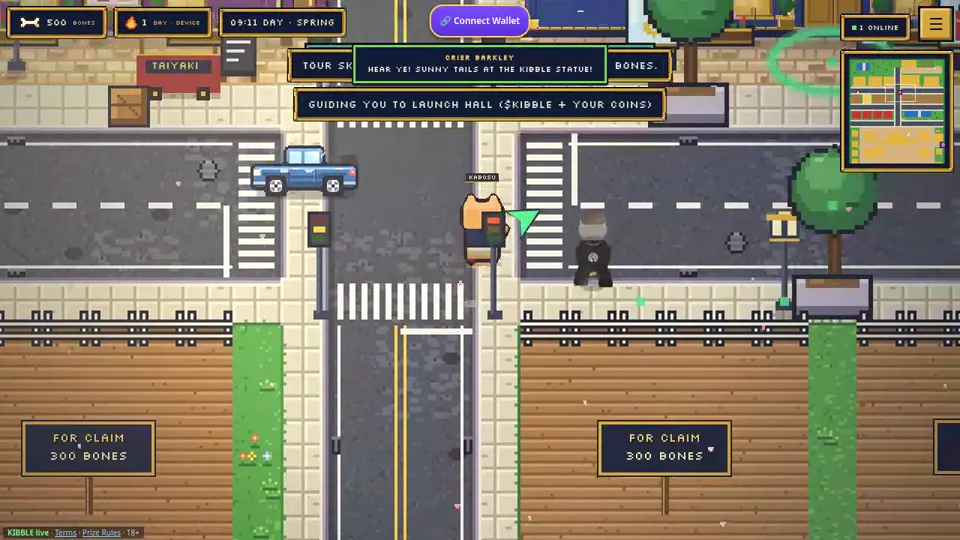
One-tap wallet sign-in
One Connect Wallet button connects Phantom and signs you in at the same time. It works in Inu Verse, Inu Arcade, Inu Quest, Inu Rescue and Kibble Pay. You can always play without a wallet.
What happens when you tap Connect
Sign-In With Solana, step by step
Your wallet pill
After you sign in, the button turns into your wallet pill. It shows:
- your Inu username, or a short address if you haven't set one,
- your $KIBBLE balance, and
- your holder tier from the Kibble Kennel.
Hide address: turn it on and the pill shows your name (or just “Connected”), and the menu shows •••• instead of your address. Handy for streaming.
Cloud save to your wallet
- Your game saves to your wallet about every 15 seconds while you're signed in.
- If your device and your wallet have different saves, a “Two saves found” prompt lets you pick which one to keep. The other is backed up, never deleted.
- The menu also has Save now, Load wallet save and Disconnect.
Staying safe
- Signing in only signs a message. It never sends $KIBBLE or SOL.
- No Inu site or admin will ever ask for your recovery phrase or private keys.
- If you bought on pump.fun with its email wallet, move your $KIBBLE to Phantom first, then connect.